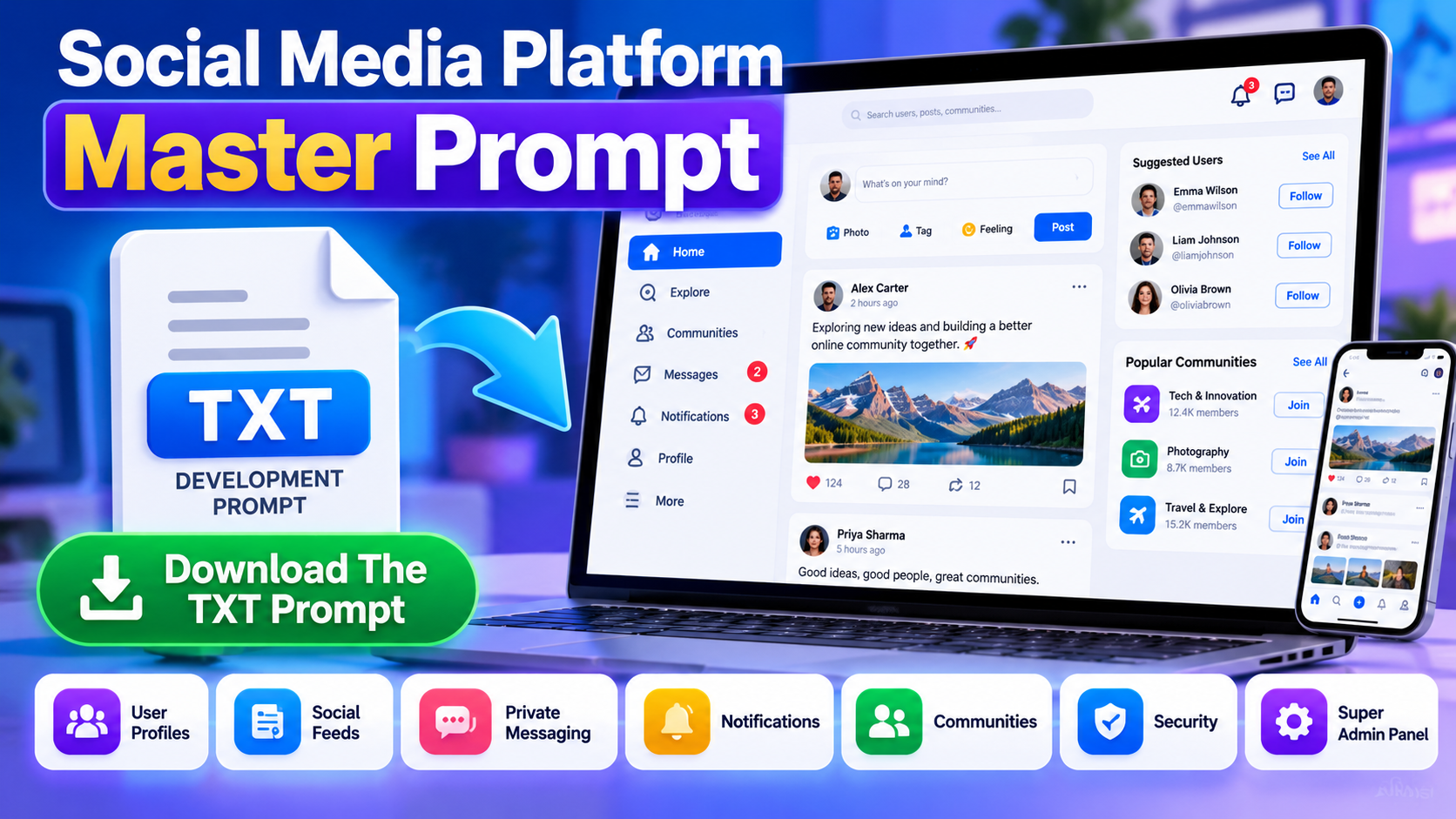
Building a custom social media website requires more than creating user profiles and adding a post button. A complete social networking application may need registration, user profiles, social feeds, private messaging, notifications, communities, content moderation, privacy controls, security features, and a powerful administration dashboard.
The Social Media Platform Master Prompt is a downloadable TXT file designed to help organize these requirements into a detailed set of development instructions. It is intended for people who want to plan a standalone social networking application with AI coding assistance or a development team.
Instead of explaining only how social media websites work, this article explains what the Master Prompt is designed to cover, how its requirements can be used during development, and how you can download the prompt for your own project.
What Is The Social Media Platform Master Prompt?
The Social Media Platform Master Prompt is a structured development prompt that describes the functionality, administration controls, security requirements, performance considerations, and monetization options for a custom social media web application.
It is designed around a standalone platform rather than a website built on WordPress or BuddyPress. The goal is to provide a clear project specification that an AI coding assistant or development team can use to understand the intended application.
The prompt covers multiple connected parts of a social network, including account management, content publishing, messaging, notifications, communities, moderation, and platform-wide settings. It also emphasizes responsive design, a lightweight architecture, and centralized administration.
Important: This downloadable prompt is a set of development instructions, not a finished website, a prebuilt software package, or a one-click installation system. Actual code generation, implementation, testing, and deployment are still required.
What Does The Social Media Platform Master Prompt Include?
1. User Registration And Profile Development
The Master Prompt describes requirements for a user account system that includes registration, login, profiles, profile photographs, cover images, biographies, followers, and following lists.
It also specifies unique usernames and profile URLs in a format such as example.com/@username. These requirements help communicate how users should identify themselves and interact with other accounts.
When you use the prompt with an AI coding assistant, it can serve as a reference for implementing the account and profile functionality. The final result depends on the coding system, chosen technology stack, and subsequent testing.
2. Posts, Reactions, Comments, And Sharing
The prompt includes requirements for a social feed where users can publish text and image posts, react to content, comment, reply to discussions, repost material, bookmark posts, and edit or delete their own content.
It also describes functionality for pinning a post to a profile and reporting inappropriate content. These instructions help define the expected user experience instead of leaving the developer to guess which social features are needed.
The prompt’s requirements can be used as a development checklist for implementing the feed, interaction controls, and related permissions.
3. Private Messaging And Chat
The Social Media Platform Master Prompt specifies a direct messaging system for registered users. Its proposed chat features include text messages, emoji, optimized image sharing, timestamps, read and unread indicators, and deletion of a user’s own messages.
The prompt also describes user-level messaging preferences. Users should be able to choose whether messages are accepted from everyone, followers only, or nobody. Blocking and reporting controls are included to help users manage unwanted interactions.
Another important requirement is a global messaging control in the Super Admin Panel. The administrator should be able to enable or disable messaging for the entire platform, with the relevant permissions enforced on the server.
4. Native Notifications And Web Push
The prompt describes a notification system for events such as new followers, reactions, comments, replies, mentions, reposts, private messages, verification updates, community activity, and administrator announcements.
A key requirement is to implement notifications using the application’s own database and code rather than relying on OneSignal. Optional browser push notifications can be implemented using the Web Push API and a service worker where supported.
The prompt also calls for configurable notification retention. For example, the administrator can be given options to remove old notification records after 7, 15, 30, 60, or 90 days.
Notification cleanup must remain separate from private message storage. Expired notification records should not cause the associated private conversations to be deleted.
5. Communities, Search, And Content Discovery
The Master Prompt covers community features that can support public or private groups, membership, community posts, moderators, and reporting tools.
It also describes search and discovery functionality for finding users, posts, hashtags, and communities. Mentions such as @username, hashtags such as #technology, an Explore page, and trending content are part of the proposed experience.
These instructions help the developer understand how users can discover relevant content and participate in communities rather than relying exclusively on a personal feed.
How The Master Prompt Helps With Responsive Website Development
The Social Media Platform Master Prompt specifies a responsive, mobile-first interface intended for Android phones, iPhones, tablets, laptops, and desktop computers.
For mobile navigation, the prompt describes a compact layout with quick access to Home, Explore, Create, Notifications, and Profile. Larger screens can use a layout that takes advantage of the additional available space.
The prompt also establishes Light Mode as the default appearance, with an optional Dark Mode that users can select manually. User theme preferences should be remembered, and the administration panel should also be responsive.
These requirements provide a consistent direction for interface development. The final application still needs to be tested on different screen sizes, browsers, and devices.
Custom Super Admin Panel Requirements In The Prompt
A central feature of the Master Prompt is a custom Super Admin Panel. It is intended to give the platform owner control over important settings without requiring routine edits to the application’s source code.
The prompt describes an administration interface for managing users, posts, comments, communities, reports, verification requests, storage limits, branding, and platform settings.
It also identifies possible administrative roles, including Super Admin, Moderator, and Support Admin, with permissions appropriate to each role.
Examples of configurable settings described by the prompt include:
- Registration and email verification.
- Posting, commenting, and following functionality.
- Private messaging and notification controls.
- Web Push and community features.
- Verification eligibility and approval settings.
- Affiliate links, digital products, and sponsored posts.
- Media uploads, storage limits, and user restrictions.
- Security controls, SEO settings, branding, and maintenance mode.
These are development requirements rather than a claim that every control is already implemented. Each setting must be connected to the corresponding application functionality during development.
Profile Verification Requirements
The prompt proposes a default threshold of 500 followers for verification request eligibility. It describes showing progress toward that threshold and allowing the administrator to review verification requests.
Reaching the threshold should make a user eligible to request verification, not automatically grant a verified badge. The final application should support administrative approval or rejection and allow the threshold to be changed through the administration panel.
Security And Performance Instructions In The Master Prompt
Security and performance are important requirements in the Social Media Platform Master Prompt because a social network processes user accounts, uploaded files, messages, and interactions.
The prompt calls for appropriate security measures, including password hashing, CSRF protection, XSS prevention, prepared database statements, secure sessions and cookies, rate limiting, and server-side authorization.
It also specifies safe upload handling, including file validation and configurable upload restrictions. Access permissions should be checked by the application rather than relying only on interface controls.
For performance, the prompt describes a lightweight architecture with shared application code, efficient database queries, pagination, caching where appropriate, and database indexes.
Image optimization is another requirement. Uploaded images can be resized, compressed, and converted into appropriate formats such as WebP or AVIF where supported. Thumbnails can reduce the amount of data loaded in the social feed.
The prompt also recommends separating media storage from the main relational database, configuring storage limits, and using scheduled cleanup for expired notifications, temporary files, and old logs.
Direct video uploads are not required in the initial version described by the prompt. External video links or supported embeds can be used instead. Actual hosting requirements will depend on traffic, implementation quality, media volume, and server capacity.
Monetization Features Described In The Prompt
The Master Prompt includes selected monetization options for the platform owner and users. These requirements can help a developer plan the relevant settings and functionality.
Platform Owner Monetization
The proposed platform can be designed to support eligible advertising, direct sponsorships, affiliate marketing, and commissions from digital product sales. Any advertising implementation must follow the applicable advertising provider’s policies.
User Monetization
The prompt limits the proposed user earning options to approved affiliate links, sponsored posts, and digital product sales.
The digital product marketplace requirements include product descriptions, cover images, prices, downloadable files, file-size limits, permitted file types, configurable commissions, product limits, and refund settings.
Affiliate link controls can include approved domains and safeguards against malicious URLs. Sponsored posts should be clearly labeled, and the initial implementation may allow payments to take place outside the platform.
The prompt explicitly excludes paid subscriptions, referral systems, advertising revenue sharing, virtual coins, gifts, and creator bonuses. This helps keep the proposed monetization model within the requested project scope.
These features do not guarantee income. Revenue depends on actual user activity, sales, partnerships, audience demand, and compliance with applicable rules.
How To Use The Social Media Platform Master Prompt
After downloading the TXT file, you can use it as a project brief for an AI coding assistant or a development team. Follow a structured process so the requirements are reviewed before implementation begins.
- Download the TXT file: Save the Social Media Platform Master Prompt to your computer or device.
- Review the instructions: Read the requirements and identify the intended features, restrictions, and administrative controls.
- Provide the prompt to your chosen AI coding assistant: Use the file’s instructions to explain the application you want to develop.
- Plan the technology stack: Confirm the framework, database, server environment, storage method, and deployment approach before implementation.
- Develop the application in stages: Begin with the foundation and core social features, then implement messaging, notifications, communities, moderation, and monetization.
- Test the generated code: Review security, authorization, mobile responsiveness, upload validation, and database operations.
- Deploy only after validation: Configure the production environment, backups, monitoring, and maintenance procedures.
For a large application, it may be more reliable to implement and test the system in modules instead of expecting one AI response to generate a complete, production-ready platform. Keep the original prompt available as a reference throughout development.
Download The Social Media Platform Master Prompt TXT File
If you want to plan your own custom social networking application, you can download the Social Media Platform Master Prompt as a TXT file and use it as the starting point for your development workflow.
The downloadable prompt is intended to describe the project’s requirements in a structured format. It covers user profiles, social feeds, private messaging, native notifications, communities, moderation, responsive design, security, performance, monetization, and a configurable Super Admin Panel.
Download your copy below:
Click the download link to obtain the TXT file. If the file is hosted on your website, replace the placeholder in the HTML with the actual URL of the uploaded file before publishing the article.
Once downloaded, provide the prompt to your selected AI coding assistant or development team. Review the generated implementation carefully and make sure the required features work correctly before using the platform with real users.
Frequently Asked Questions
What Is The Social Media Platform Master Prompt?
It is a downloadable TXT file containing structured development instructions for a standalone social networking application. It describes the intended features, security measures, administration controls, performance considerations, and selected monetization options.
Does The Master Prompt Contain A Complete Social Media Website?
No. The TXT file contains development instructions, not a finished application. Code still needs to be generated or written, configured, tested, and deployed.
Can I Use This Prompt With An AI Coding Assistant?
Yes. You can provide the prompt to an AI coding assistant that supports your development workflow. The quality and completeness of the generated code will depend on the tool, implementation process, and subsequent testing.
Does The Prompt Require WordPress Or BuddyPress?
No. The project requirements describe a standalone social media application rather than a WordPress or BuddyPress installation.
Can The Prompt Help Plan A Custom Admin Panel?
Yes. The prompt includes requirements for a Super Admin Panel with user management, moderation, verification settings, branding, storage controls, and configurable platform features. These controls must be implemented in the application.
Does The Prompt Include Private Messaging?
Yes. It describes direct messaging, user-level message permissions, read and unread indicators, timestamps, image sharing, blocking, reporting, and a global messaging control for the administrator.
Does The Prompt Include OneSignal?
No. The specified notification approach uses the application’s own code and database instead of OneSignal. Optional browser push functionality can be implemented using supported Web Push technologies.
Can The Prompt Help Reduce Hosting Resource Usage?
It includes performance requirements such as pagination, image optimization, caching, database indexes, efficient queries, configurable limits, and scheduled cleanup. Actual resource usage depends on the implementation, traffic, and hosting environment.
Can Users Earn Money Through The Proposed Platform?
The prompt describes approved affiliate links, sponsored posts, and digital product sales as user monetization options. It does not guarantee income, and actual results depend on sales, partnerships, audience activity, and applicable policies.
Is The Social Media Platform Master Prompt Suitable For Beginners?
Beginners can use it to communicate project requirements to an AI coding assistant or developer. However, deploying a secure social network requires appropriate technical implementation, testing, hosting configuration, and ongoing maintenance.
Conclusion
The Social Media Platform Master Prompt is designed to help organize the requirements for a custom social networking web application. It covers essential social features, private messaging, notifications, communities, administration, security, performance, and selected monetization options.
By using the downloadable TXT prompt as a structured development brief, you can communicate the project’s intended functionality more clearly to an AI coding assistant or development team.
Download the Social Media Platform Master Prompt, review its instructions, and use it as a starting point for planning your own social networking project. Remember that the prompt is a specification for development, not a substitute for working code, security testing, or deployment.