
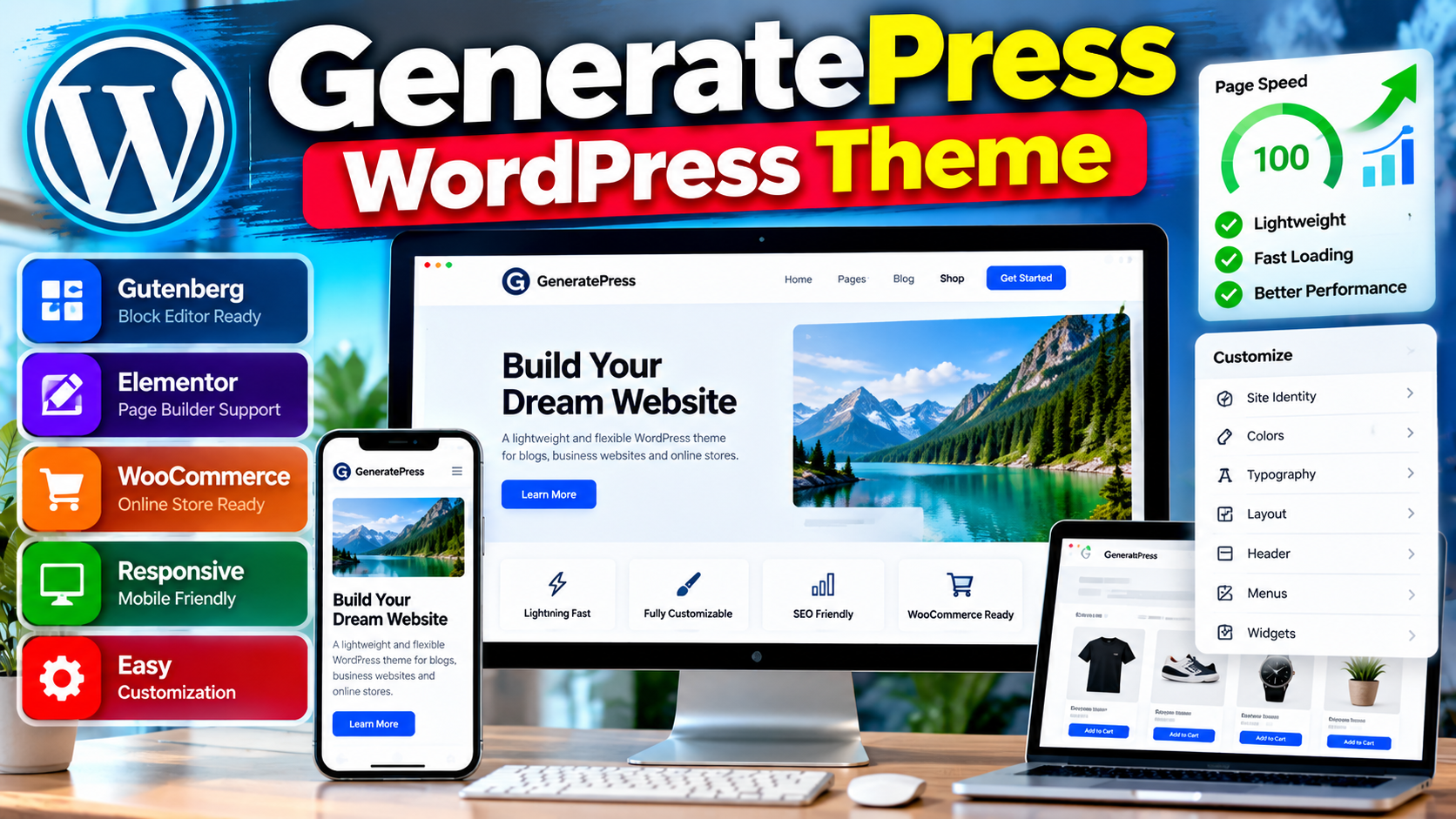
GeneratePress is a lightweight WordPress theme designed with a focus on speed, usability, stability, and accessibility. It works with the WordPress block editor and is also compatible with major page builders and well-coded plugins such as WooCommerce.
If you are looking for a flexible foundation for a blog, business website, portfolio, or online store, you can visit the GeneratePress theme page to learn more and download the free version.
What Is GeneratePress?
GeneratePress is a WordPress theme built to provide a lightweight and flexible foundation for websites. The official WordPress directory describes it as a lightweight theme focused on speed and usability, while the GeneratePress website highlights speed, stability, and accessibility as key areas of the theme.
The free version is available through the official WordPress theme directory. GeneratePress also offers paid products that add advanced customization, site-building, and WooCommerce-related features.
Key Features Of GeneratePress
Lightweight Foundation
GeneratePress is designed to keep the theme itself lightweight. The WordPress.org listing states that a fresh GeneratePress installation adds less than 10 KB, gzipped, to the page size. The GeneratePress website also emphasizes a small page footprint and limited dependencies.
Responsive Design
The theme is fully responsive, allowing websites to adapt to different screen sizes. This makes it suitable for visitors using desktops, tablets, and mobile devices.
Block Editor Support
GeneratePress works with the WordPress block editor, also known as Gutenberg. The theme is designed to work alongside the block-based approach to creating WordPress content and layouts.
Page Builder Compatibility
GeneratePress supports major page builders, including Elementor and Beaver Builder. This gives users the option to use the native block editor or a compatible page-building solution according to their workflow.
WooCommerce Compatibility
GeneratePress is compatible with WooCommerce. The free theme supports WooCommerce compatibility, while the premium WooCommerce features provide additional controls for shop and product layouts, colors, typography, and related elements.
Customization Controls
The WordPress.org listing includes features such as color controls, typography options, multiple navigation locations, sidebar layouts, dropdown menus, and widget areas.
GeneratePress Free Version
The free GeneratePress theme is available from WordPress.org. It provides the core theme foundation and can be installed directly through the WordPress dashboard or downloaded from the official theme directory.
The free version can be a practical starting point for users who want a lightweight WordPress theme without immediately purchasing premium features.
GeneratePress Premium
GeneratePress Premium adds advanced features beyond the free theme. The official GeneratePress website lists capabilities such as a theme builder, starter sites, additional styling controls, WooCommerce enhancements, an advanced hook system, a mobile header, secondary navigation, and other layout features.
Premium functionality is provided through GeneratePress products and can be expanded according to the features required for a particular website.
GeneratePress For WooCommerce Websites
GeneratePress can be used with WooCommerce for online stores. The premium WooCommerce module provides additional layout, color, and typography controls for WooCommerce elements.
Available controls include options related to shop layouts, product columns, product information, images, prices, ratings, add-to-cart buttons, and other WooCommerce display elements.
GeneratePress And Website Performance
Performance is one of the central design goals of GeneratePress. Its official documentation and theme listing emphasize a lightweight codebase and performance-focused approach.
However, the overall speed of a WordPress website does not depend on the theme alone. Hosting, plugins, images, scripts, caching, fonts, database performance, and third-party services can all affect actual page performance.
GeneratePress And Accessibility
Accessibility is another area emphasized by GeneratePress. The official GeneratePress website describes accessibility as an important part of its development approach.
A theme can provide a strong foundation for accessibility, but website owners should also ensure that their content, links, images, colors, forms, and other components remain accessible.
How To Install GeneratePress
- Log in to your WordPress dashboard.
- Open Appearance > Themes.
- Select Add New Theme.
- Search for GeneratePress.
- Select the GeneratePress theme.
- Click Install.
- Click Activate after installation.
After activation, you can configure the theme through the available WordPress customization and theme settings.
How To Use GeneratePress With A Page Builder
GeneratePress can be used with major page builders, including Elementor and Beaver Builder.
A typical workflow is to install and activate GeneratePress, install the page builder you want to use, and then create pages using the selected builder while keeping GeneratePress as the site’s theme foundation.
GeneratePress Starter Sites
GeneratePress offers professionally designed starter sites through its premium ecosystem. Starter sites can provide a pre-built foundation that users can customize with their own content, branding, images, and settings.
This approach can reduce the amount of time required to build a website from an empty WordPress installation.
Important Considerations Before Using GeneratePress
- Check whether the free theme provides the features your website requires.
- Consider premium features only when you need their additional controls.
- Keep plugins updated and remove plugins that are no longer required.
- Optimize images and third-party scripts for better website performance.
- Test your website on mobile and desktop devices.
- Choose hosting that is appropriate for your website traffic and workload.
Frequently Asked Questions
Is GeneratePress A Free WordPress Theme?
Yes. GeneratePress is available as a free WordPress theme through WordPress.org. Additional paid products and upgrades are also available.
Is GeneratePress A Lightweight Theme?
Yes. GeneratePress is designed as a lightweight theme, and the official WordPress listing states that a fresh installation adds less than 10 KB, gzipped, to the page size.
Does GeneratePress Work With Elementor?
Yes. The official WordPress theme listing states that GeneratePress is compatible with major page builders, including Elementor and Beaver Builder.
Does GeneratePress Support WooCommerce?
Yes. GeneratePress is compatible with WooCommerce, and its premium WooCommerce features provide additional controls for store layouts and styling.
Does GeneratePress Work With Gutenberg?
Yes. GeneratePress is designed to work with the WordPress block editor, Gutenberg.
Is GeneratePress Responsive?
Yes. GeneratePress is described as fully responsive, allowing layouts to adapt to different screen sizes.
Does GeneratePress Have A Premium Version?
Yes. GeneratePress offers premium products with additional features such as advanced theme building, starter sites, WooCommerce controls, styling options, and an advanced hook system.
Can GeneratePress Be Used For An Online Store?
Yes. GeneratePress can be used with WooCommerce to create and customize an online store. Premium WooCommerce functionality provides additional layout and styling controls.
Does GeneratePress Include Starter Sites?
Starter sites are available through the GeneratePress premium ecosystem. They provide pre-designed website foundations that can be customized with your own content.
Is GeneratePress Suitable For Blogs?
Yes. GeneratePress includes blog-related theme features and can be used as a foundation for content-focused WordPress websites.
Conclusion
GeneratePress is a lightweight and flexible WordPress theme that focuses on performance, usability, responsiveness, accessibility, and compatibility. It supports the WordPress block editor, major page builders, and WooCommerce, while premium products add more advanced customization and website-building capabilities.
To explore the current theme features and installation options, visit the official GeneratePress page on WordPress.org.