
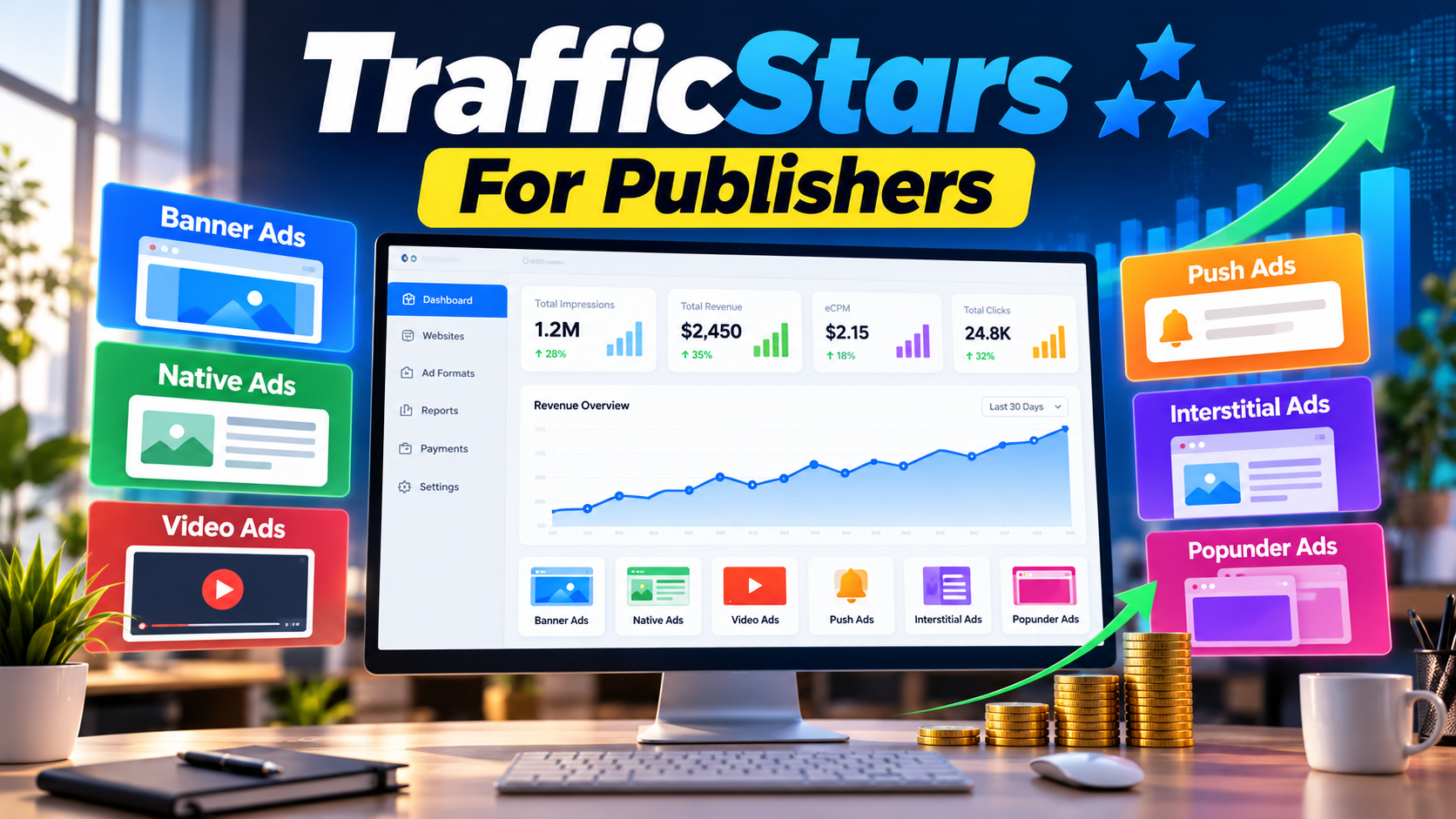
Website owners looking for additional ways to monetize their traffic can consider TrafficStars as an advertising platform for publishers. Its publisher platform is designed to help website owners monetize available advertising inventory through multiple ad formats, real-time statistics, automatic payouts, and publisher support.
TrafficStars states that its publisher platform is designed to help publishers maximize the value of their advertising inventory while maintaining control over the user experience. The platform provides several monetization options, including banners, native advertising, video formats, push advertising, interstitials, and popunders. :contentReference[oaicite:0]{index=0}
What Is TrafficStars For Publishers?
TrafficStars is an advertising and traffic monetization platform that connects advertisers with publisher inventory. For publishers, the platform provides tools for adding websites, creating advertising spots, selecting suitable ad formats, and monitoring performance.
According to TrafficStars, publishers can register an account, add their website, wait for website approval, create ad spots, and then begin monetizing approved inventory. TrafficStars says website approval may take up to one day after submission. :contentReference[oaicite:1]{index=1}
How TrafficStars Publisher Monetization Works
The basic process is straightforward. A publisher first creates a TrafficStars publisher account and adds a website. After the website passes the platform’s review process, the publisher can create advertising spots using available formats.
- Create and verify a TrafficStars publisher account.
- Add your website to the publisher dashboard.
- Complete the required account and billing information.
- Wait for the website review and approval.
- Create suitable advertising spots.
- Place the generated advertising code on your website.
- Monitor impressions, performance, and revenue from the dashboard.
TrafficStars explains that spots connected to an approved website can become active, allowing publishers to start monetizing their traffic. :contentReference[oaicite:2]{index=2}
TrafficStars Ad Formats For Publishers
One of the main features of the platform is its range of advertising formats. The appropriate format depends on the website layout, audience, device mix, content type, and user experience requirements.
Banner Ads
Banner advertising is a traditional display format that can be placed in areas such as headers, content sections, sidebars, and other advertising locations. TrafficStars lists several banner dimensions, including 300×250, 728×90, 900×250, 300×100, and other formats. :contentReference[oaicite:3]{index=3}
Native Ads
Native ads are designed to fit more naturally into the surrounding website experience. TrafficStars describes its native widget as customizable and responsive, with elements such as an image, brand name, and headline.
Video Ads
TrafficStars offers video advertising options, including video pre-roll, video slider, video X pre-roll, and video outstream solutions. The exact format and implementation depend on the publisher’s selected advertising setup. :contentReference[oaicite:4]{index=4}
Push And In-Page Push Ads
Classic push notifications can be delivered to users who have subscribed to a publisher’s website. TrafficStars also provides In-Page Push, which is designed to work directly on web pages without requiring publishers to build a subscriber database for that format. :contentReference[oaicite:5]{index=5}
Full-Page Interstitial Ads
A full-page interstitial is displayed between pages or content views and can provide a larger advertising area than a standard banner. TrafficStars describes its interstitial format as a full-screen interactive landing experience that is dismissible by the user. :contentReference[oaicite:6]{index=6}
Popunder Ads
Popunder advertising can open behind the active browser window or in another browser tab after an eligible user interaction. Publishers should consider user experience and applicable advertising policies before selecting this format. :contentReference[oaicite:7]{index=7}
What Is TrafficStars OneTag?
OneTag is designed to simplify the integration of multiple TrafficStars advertising formats. TrafficStars says publishers can install a single script and then manage supported formats through the TrafficStars dashboard without repeatedly changing the website code.
TrafficStars currently describes OneTag as supporting Popunder, Interstitial, Video Slider, and In-Page Push formats. Individual formats can be activated or deactivated separately, and each spot can have its own configuration. :contentReference[oaicite:8]{index=8}
What Is TrafficStars MasterSpot?
MasterSpot is another monetization solution for publishers. It allows multiple eligible advertising formats to compete for the same placement through a single advertising code.
TrafficStars explains that MasterSpot can combine compatible banner formats with Native and Video Outstream demand. Available dimensions include options such as 300×100, 300×250, 728×90, 900×250, and 1300×480, along with Custom Native placements. :contentReference[oaicite:9]{index=9}
MasterSpot can also support optional ad refresh intervals. TrafficStars lists refresh options including 30, 60, 90, and 120 seconds. Publishers can monitor metrics such as impressions, CPM, CTR, and total revenue from the statistics section. :contentReference[oaicite:10]{index=10}
How To Get Started With TrafficStars
Step 1: Register A Publisher Account
Start by creating a publisher account through the TrafficStars platform. The registration process includes email verification and requires relevant account information.
Step 2: Add Your Website
After registration, use the publisher dashboard to add your website. TrafficStars recommends using a site name that corresponds to the actual website URL because the submitted website is reviewed by its compliance team. :contentReference[oaicite:11]{index=11}
Step 3: Wait For Website Approval
Your website enters a pending approval stage after submission. TrafficStars states that its compliance team reviews submitted websites and that publishers should allow up to one day for the review process. :contentReference[oaicite:12]{index=12}
Step 4: Create An Ad Spot
Once the website is approved, create an advertising spot and select an appropriate format. Available options include banners, popunders, native ads, video ads, push notifications, and full-page interstitials. :contentReference[oaicite:13]{index=13}
Step 5: Add The Advertising Code
Copy the generated advertising code and place it in the appropriate location on your website. The exact implementation depends on the advertising format and the website’s technical setup.
Step 6: Monitor Performance
Use the publisher dashboard to review performance information and understand how your advertising placements are performing. TrafficStars states that its platform provides real-time statistics for publishers. :contentReference[oaicite:14]{index=14}
How Publisher Revenue Is Calculated
Advertising revenue can depend on several factors, including traffic volume, geographic location, advertising format, advertiser demand, and the monetization model being used.
CPM, or Cost Per Mille, represents the value associated with 1,000 impressions. For example, if advertising revenue is $100 from 50,000 impressions, the resulting eCPM would be $2.
TrafficStars explains that publisher revenue can vary according to traffic volume, niche, GEO, ad format, and current market demand. Therefore, publishers should not assume a fixed CPM or guaranteed income. :contentReference[oaicite:15]{index=15}
TrafficStars Publisher Features
- Multiple Ad Formats: Publishers can choose from several advertising formats.
- Real-Time Statistics: TrafficStars provides detailed performance statistics through its platform.
- Automatic Payouts: TrafficStars states that publisher payments can be processed automatically using the selected payment method.
- Publisher Support: The platform provides account-management and support options.
- Monetization Tools: Solutions such as OneTag and MasterSpot can simplify multi-format monetization.
These features are described by TrafficStars on its publisher and help-center pages. :contentReference[oaicite:16]{index=16}
How To Choose The Right Ad Format
There is no single advertising format that is appropriate for every website. Publishers should consider the location of the ad, the type of content, the devices used by visitors, and the effect an advertising format may have on the user experience.
For example, a banner can work well in a fixed advertising area, while native advertising may be suitable for content-focused layouts. Video formats can be useful where video content is already part of the website experience. Interstitials and popunders may require additional consideration because they can have a stronger impact on navigation.
Important Considerations Before Monetizing
Before adding advertising to a website, publishers should understand the advertising policies that apply to their website, audience, content, and traffic sources.
It is also important to monitor traffic quality and advertising performance instead of judging a monetization platform only by advertised revenue potential. CPM can change based on GEO, format, demand, competition, and other market conditions. :contentReference[oaicite:17]{index=17}
Publishers using multiple advertising platforms should also pay attention to page speed, ad density, user experience, and compatibility with other advertising systems.
Frequently Asked Questions
Is TrafficStars Available For Website Publishers?
Yes. TrafficStars provides a publisher platform where website owners can submit websites, create advertising spots, and monetize approved advertising inventory. :contentReference[oaicite:18]{index=18}
How Do I Add A Website To TrafficStars?
After creating and verifying a publisher account, use the Publisher Menu to create a new site and submit the relevant website information. The website is then reviewed before advertising spots can be activated. :contentReference[oaicite:19]{index=19}
Which Ad Formats Does TrafficStars Support?
TrafficStars supports multiple formats, including banners, native ads, video advertising, push notifications, full-page interstitials, and popunders. Its OneTag and MasterSpot solutions provide additional multi-format monetization options. :contentReference[oaicite:20]{index=20}
Does TrafficStars Guarantee A Specific CPM?
No fixed publisher revenue should be assumed. TrafficStars explains that revenue can vary according to factors such as traffic volume, GEO, niche, advertising format, and market demand. :contentReference[oaicite:21]{index=21}
What Is TrafficStars OneTag?
OneTag is a single script designed to support multiple TrafficStars advertising formats. Publishers can manage supported formats from the TrafficStars dashboard without repeatedly replacing the website code. :contentReference[oaicite:22]{index=22}
What Is TrafficStars MasterSpot?
MasterSpot allows multiple compatible advertising formats to compete for the same placement through one advertising code. TrafficStars says it can combine banner, native, and Video Outstream demand depending on the selected setup. :contentReference[oaicite:23]{index=23}
How Long Does Website Approval Take?
TrafficStars states that publishers should allow up to one day for the website review process after submission. The actual approval decision depends on the platform’s review. :contentReference[oaicite:24]{index=24}
Can Publishers Track Their Advertising Performance?
Yes. TrafficStars provides real-time statistics, and its MasterSpot documentation specifically lists metrics such as impressions, CPM, CTR, and total revenue. :contentReference[oaicite:25]{index=25}
Where Can I Learn More About TrafficStars For Publishers?
You can visit the TrafficStars Publishers page to review the platform and publisher options directly.
Conclusion
TrafficStars provides website publishers with multiple ways to monetize advertising inventory, including display, native, video, push, interstitial, and popunder formats. Tools such as OneTag and MasterSpot can simplify the management of multiple advertising options.
However, actual publisher revenue depends on factors such as traffic, GEO, advertising format, advertiser demand, and market conditions. Website owners should therefore test suitable formats, monitor performance, and maintain a good balance between monetization and user experience.