
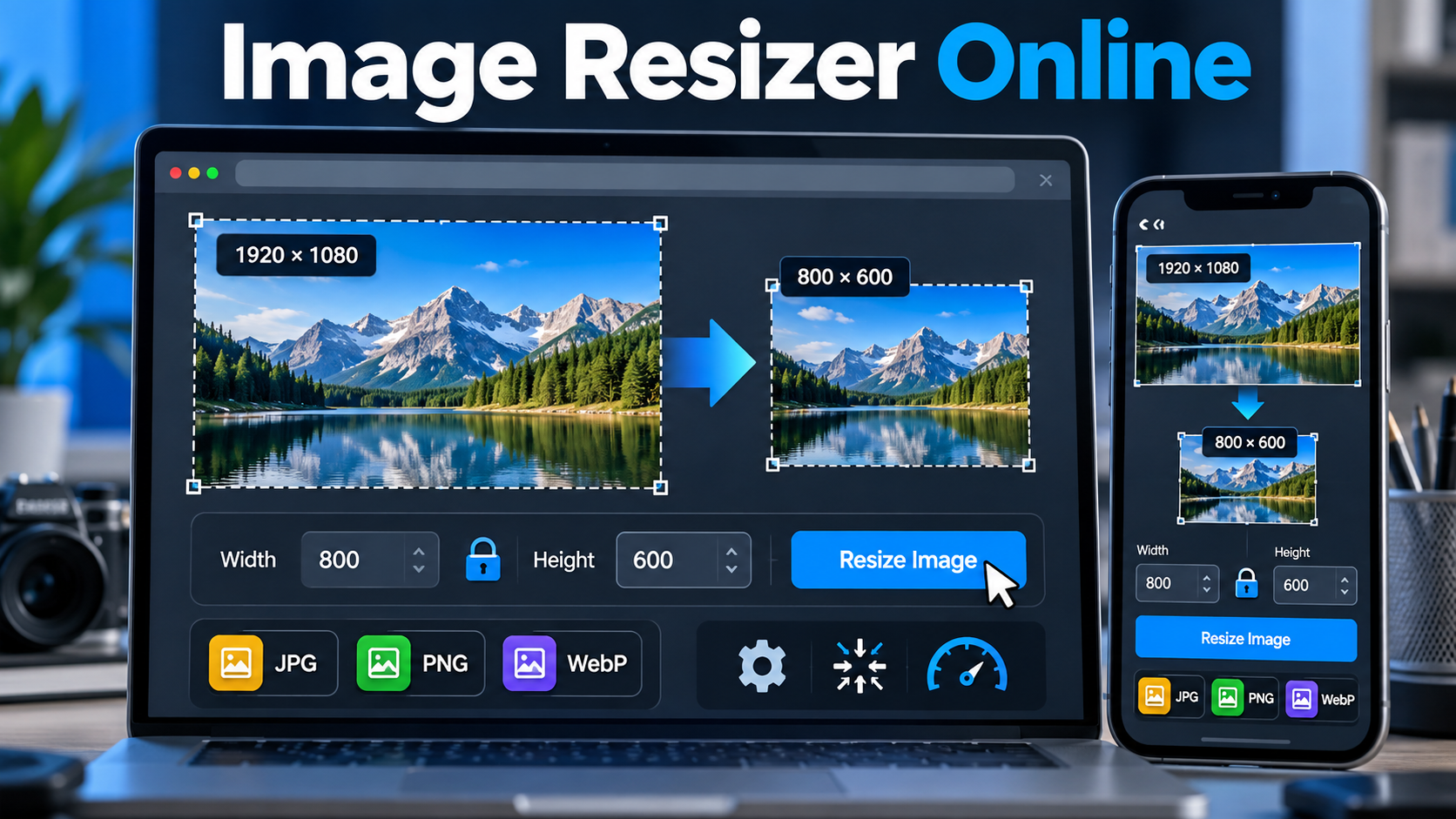
Resizing an image is often necessary when a photo is too large for a website, social media platform, online store, presentation, or another digital project. An online image resizer can make this process much easier because you can change image dimensions directly from a web browser without installing dedicated software.
ImageResizer.com provides a browser-based image resizing tool that allows users to upload an image, choose a target size, and resize it online. The service is designed to work across common desktop platforms and does not require software installation or registration. According to its website, uploaded images are transferred through encrypted SSL and are automatically deleted after processing.
What Is An Online Image Resizer?
An online image resizer is a web-based tool that changes the dimensions of an image. Depending on the tool, you may be able to enter an exact width and height, resize an image by percentage, maintain the original aspect ratio, or adjust the output file size.
ImageResizer.com is designed around a simple workflow: select an image, enter a target size, and resize the image. This makes it suitable for users who need to adjust image dimensions without using professional image-editing software.
How ImageResizer Works
The basic resizing process is straightforward. After selecting an image, you can specify the desired dimensions and start the resizing process. The resulting image can then be downloaded for use in your project.
- Select the image you want to resize.
- Enter the required target dimensions or resizing settings.
- Start the image resizing process.
- Download the resized image.
This simple process can be useful when an image needs to fit a particular website layout, social media format, document, presentation, or other digital requirement.
Key Features Of ImageResizer
Browser-Based Image Resizing
ImageResizer works through a web browser, so users do not need to install traditional image-editing software. The website states that the service works on platforms including Windows, Linux, and Mac.
Exact Image Dimensions
Users can enter a target image size when resizing. This is useful when a website, platform, design template, or other project requires specific pixel dimensions.
Aspect Ratio Control
Image resizing can sometimes distort a photo when width and height are changed independently. ImageResizer provides resizing options that can help maintain image proportions. Its format-specific tools also provide controls for dimensions and aspect-ratio handling.
Support For Common Image Formats
ImageResizer provides dedicated resizing tools for formats such as JPG, PNG, and WebP. These format-specific tools allow users to work with different types of digital images according to their needs.
Bulk Image Resizing
For projects involving multiple images, ImageResizer also provides a bulk image resizing tool. Its website states that users can upload up to 50 images at a time and resize JPG and PNG images using dimensions measured in pixels, inches, centimeters, or millimeters.
How To Resize An Image Online
If you need to resize an image quickly, you can follow these general steps:
- Open ImageResizer.com.
- Select the image from your device.
- Choose the required resizing method.
- Enter the target width and height when using specific dimensions.
- Keep the aspect ratio locked when you want to preserve the original proportions.
- Start the resizing process.
- Download the resized image.
The exact controls available can vary depending on the image format and tool being used.
Why Resize Images?
Improve Website Performance
Large images can contain more pixels and data than a particular webpage actually needs. Resizing an image to an appropriate display dimension can help reduce unnecessary image data and may contribute to more efficient page loading.
Prepare Images For Social Media
Different social platforms and content types can use different image dimensions. Resizing an image before uploading can help it fit the intended space more accurately.
Save Storage Space
Images with unnecessarily large dimensions may consume more storage than required. Resizing images to appropriate dimensions can help reduce their storage requirements.
Meet Upload Requirements
Some websites, forms, applications, and online services require images to meet particular dimensions or file-size limits. Resizing can help prepare an image for those requirements.
Resizing JPG, PNG, And WebP Images
ImageResizer provides separate tools for several popular image formats.
JPG And JPEG
The JPG resizing tool supports changing image dimensions and scaling images by percentage. It also provides options related to aspect ratio, background filling, target file size, and output format.
PNG
The PNG resizer allows users to specify dimensions or resize by percentage. Its settings include aspect-ratio controls and background options, including transparency where appropriate.
WebP
The WebP resizer supports resizing by exact dimensions or percentage. It also provides aspect-ratio controls and options for working with different measurement units.
Bulk Image Resizing
Resizing images individually can become repetitive when working with a large collection. ImageResizer’s bulk resizing tool is designed for this situation and supports multiple JPG and PNG images in one operation. The service states that up to 50 images can be uploaded at once.
Bulk resizing can be useful for website galleries, product images, portfolios, social media assets, or collections of photographs that need consistent dimensions.
Tips For Better Image Resizing
- Keep The Aspect Ratio Locked: This can help prevent unwanted stretching or squeezing.
- Use Appropriate Dimensions: Resize images according to their actual display requirements rather than choosing unnecessarily large dimensions.
- Choose The Right Format: JPG, PNG, and WebP can serve different image-use cases.
- Check The Result: Always inspect the resized image before publishing or uploading it.
- Consider File Size: When supported, use file-size controls to prepare images for storage or web use.
Is ImageResizer Free To Use?
The main ImageResizer website states that its image resizing service is free and does not require registration. It also states that the service does not add watermarks.
Is ImageResizer Available On Different Devices?
Because ImageResizer is browser-based, it can be accessed through compatible web browsers rather than requiring a traditional desktop installation. The main website specifically lists Windows, Linux, and Mac among supported platforms.
Frequently Asked Questions
Can I Resize An Image Online Without Installing Software?
Yes. ImageResizer is browser-based, so you can use the service online without installing traditional image resizing software.
Can I Resize An Image To A Specific Width And Height?
Yes. ImageResizer provides controls for entering target dimensions, allowing you to resize an image according to specific size requirements.
Can I Resize Images Without Changing Their Proportions?
Yes. Resizing tools on ImageResizer provide aspect-ratio controls that can be used to maintain the original proportions of an image.
Can I Resize JPG Images Online?
Yes. ImageResizer provides a dedicated JPG and JPEG resizing tool for changing image dimensions and other supported settings.
Can I Resize PNG Images Online?
Yes. ImageResizer provides a dedicated PNG resizing tool with controls for dimensions, percentage scaling, aspect ratio, and background options.
Can I Resize WebP Images Online?
Yes. ImageResizer provides a dedicated WebP resizer with options for exact dimensions and percentage-based resizing.
Can I Resize Multiple Images At Once?
Yes. The bulk image resizing tool supports multiple JPG and PNG files, with the website stating that up to 50 images can be uploaded at a time.
Does ImageResizer Require Registration?
The main ImageResizer website states that registration is not required for its free image resizing service.
Are Uploaded Images Stored Permanently?
No. ImageResizer states that uploaded images are automatically deleted after processing. Its main page currently states a six-hour deletion period, while some format-specific pages describe different processing periods, so users should check the applicable page for the current retention information.
Can ImageResizer Be Used For Web Images?
Yes. Resizing images to appropriate dimensions can help prepare them for websites, and ImageResizer provides tools for resizing common web image formats such as JPG, PNG, and WebP.
Conclusion
An online image resizer can be a practical solution when you need to change image dimensions without installing professional editing software. ImageResizer provides browser-based resizing for common formats, controls for dimensions and aspect ratio, and a bulk resizing option for multiple images.
Whether you are preparing website graphics, social media images, product photos, presentation assets, or other digital content, you can visit ImageResizer.com to resize images online and choose the settings that match your requirements.