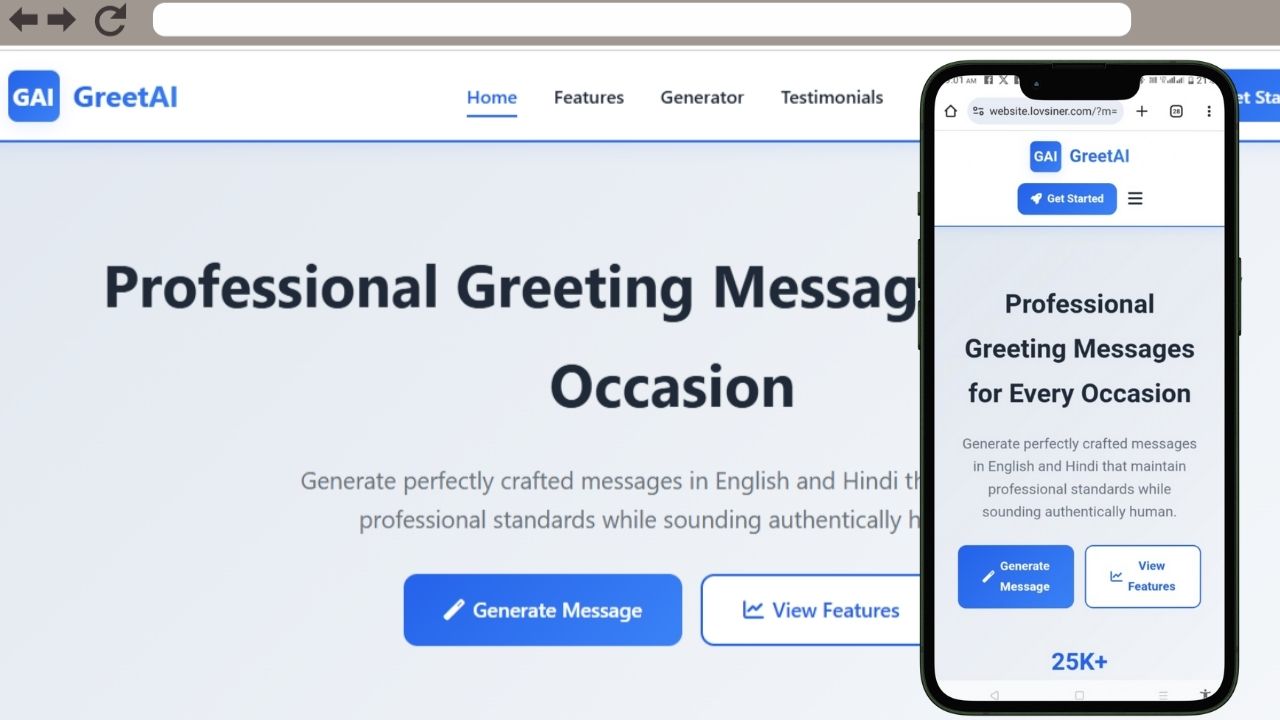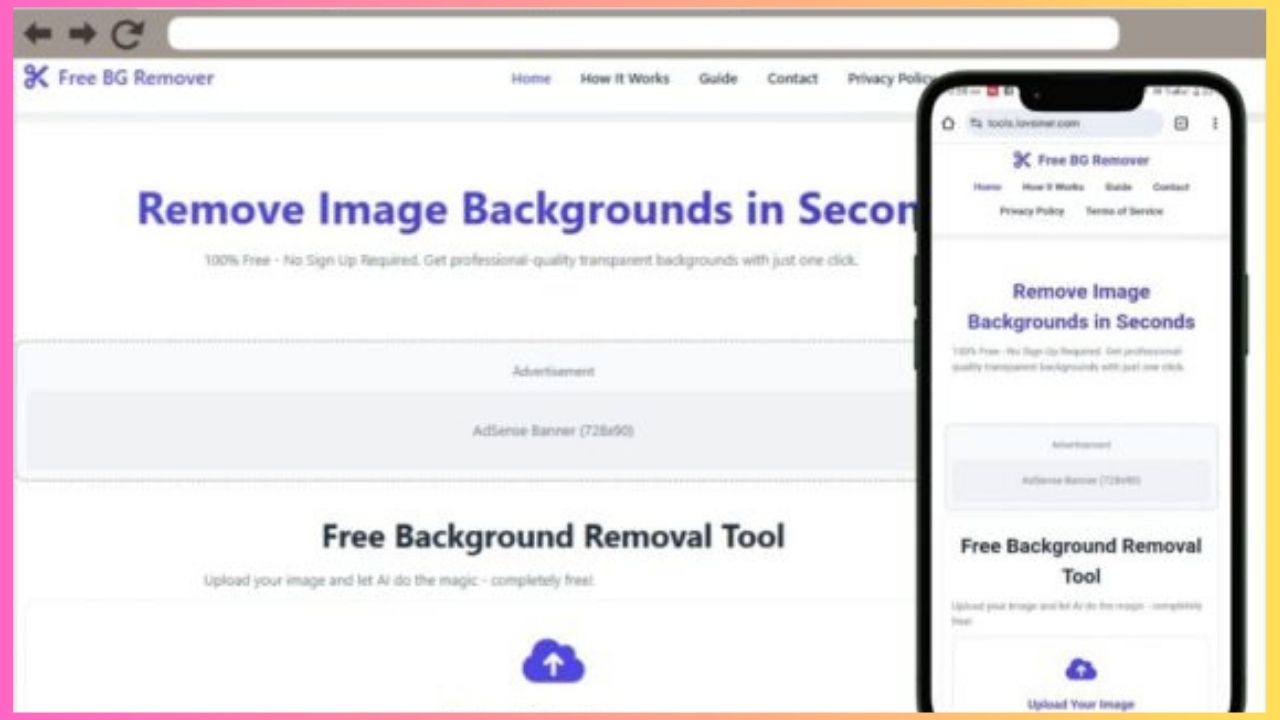

Are you looking to create a professional word counter website without any coding knowledge? What if you could generate a complete, fully functional word counter tool with just one AI prompt?
I’ve developed a specialized AI prompt that creates stunning word counter websites instantly. This isn’t just a basic template – it’s a complete solution with advanced features your users will love.
📊 What Your Word Counter Website Will Include:
Professional Word Counting Tool:
- Real-time word and character counting
- Sentence and paragraph analysis
- Reading time estimation
- Keyword density analysis
- Text statistics dashboard
Advanced Features Built-In:
- Light/Dark mode toggle that remembers user preference
- Copy-to-clipboard functionality
- Text cleaning options (remove extra spaces)
- Export results as text file
- Mobile-responsive design
Complete Website Structure:
- Attractive header with “Word Counter” branding
- Hero section explaining tool benefits
- Main tool area with text input and real-time results
- Features section highlighting tool capabilities
- Professional footer with all legal pages
🎯 Why This Word Counter Prompt Stands Out:
No Generic Templates:
- Specifically designed for word counting functionality
- Real text analytics algorithms
- Professional color scheme suitable for writing tools
- Meaningful content about text analysis benefits
Fully Functional Features:
- Live character count as user types
- Word frequency analysis
- Average word length calculation
- Reading level estimation
- Text formatting cleanup tools
Monetization Ready:
- Ad placeholder containers strategically placed
- Premium tool upgrade suggestions
- Perfect layout for Google AdSense
- Space for affiliate marketing content
💡 Perfect For:
Content Creators:
- Bloggers who need word counting capabilities
- Writers wanting text analysis tools
- Students checking assignment lengths
- SEO professionals analyzing content
Business Uses:
- Writing agencies offering free tools
- Educational websites helping students
- Marketing agencies providing value to clients
- Freelancers showcasing web development skills
🚀 What Makes This Prompt Special?
Complete Legal Framework:
- Privacy Policy explaining data handling
- Terms of Service for tool usage
- Disclaimer about accuracy
- All pages open dynamically without page reload
User Experience Excellence:
- Green success notifications when copying results
- Smooth animations during counting
- Progress indicators for long texts
- Keyboard shortcuts for power users
Technical Perfection:
- Vanilla JavaScript for reliability
- CSS Grid and Flexbox layouts
- localStorage for theme persistence
- Cross-browser compatibility
- Fast loading performance
📈 Advanced Word Counting Features:
The generated website includes:
- Real-time word count updates
- Character count with and without spaces
- Paragraph and sentence counting
- Reading time estimates (slow, average, fast)
- Keyword frequency analysis
- Text statistics dashboard
- Export functionality
- Text cleanup tools
🌟 Ready-to-Use Professional Tool:
Your generated word counter will include:
- Beautiful gradient backgrounds
- Modern glass-morphism design elements
- Smooth hover animations
- Professional typography
- Mobile-first responsive design
- Accessibility features
- SEO-optimized structure
No more struggling with complex code!
[Download Word Counter Prompt]
(Click download to get the complete AI prompt. Paste it into any AI assistant and receive your professional word counter website code immediately!)
How It Works:
- Download the prompt below
- Copy the entire text
- Paste into ChatGPT, Claude, or any AI
- Receive complete word counter website code
- Deploy on Blogger or any platform
Technical Requirements:
- Zero coding knowledge needed
- Works with any AI assistant
- Single HTML file output
- No external dependencies
- Blogger compatible