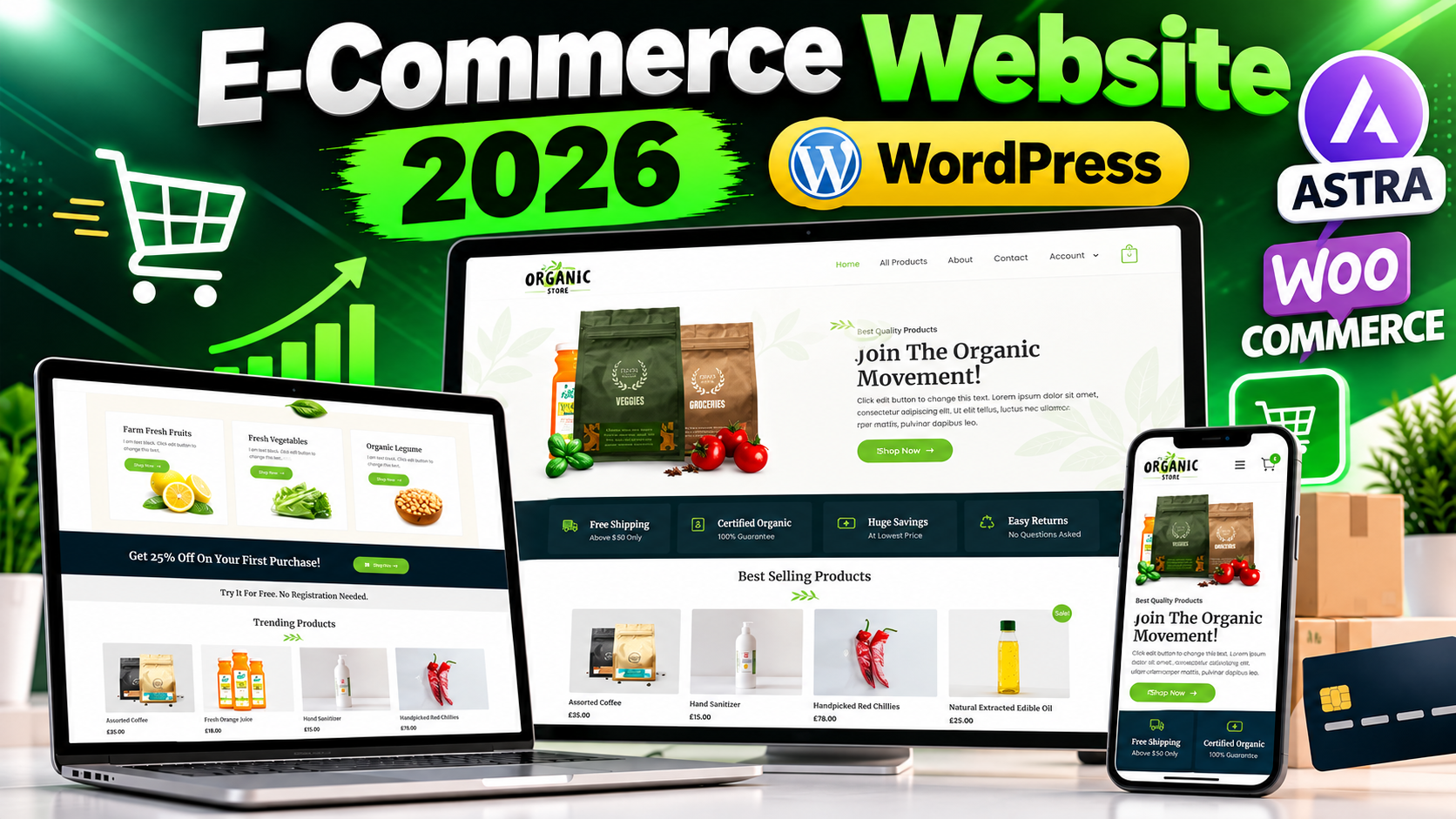
Want to create your own professional E-Commerce Website in 2026? With WordPress, WooCommerce, reliable web hosting, and a suitable theme, you can build a complete online store without developing everything from scratch.
In this guide, you will learn the basic process of creating a WordPress E-Commerce Website, setting up WooCommerce, adding products, customizing the store, and preparing the website for customers. A complete practical video tutorial is also included below.
Watch The Full E-Commerce Website Tutorial
Watch the complete video tutorial below to follow the practical process of creating an E-Commerce Website with WordPress.
🎥 Video Resources & Links
The following resources and links are mentioned in the video. You can access them directly below.
📚 Free WordPress Full Course & WhatsApp Contact
Visit Free WordPress Full Course
🔥 Free Domain + Web Hosting (Hostinger)
Get Domain + Web Hosting From Hostinger
🎁 Hostinger Coupon Code: RESEARCHTECHNEWS
Use the coupon code RESEARCHTECHNEWS to get 10% OFF where applicable.
🎨 Astra WordPress Theme
What Is An E-Commerce Website?
An E-Commerce Website is an online platform where customers can browse products, view product information, add products to a shopping cart, and complete purchases through an online checkout system.
An online store allows a business to showcase its products on the internet and provide customers with a convenient way to explore products from different devices.
Why Use WordPress For An Online Store?
WordPress is a flexible content management platform that can be extended with themes and plugins. WooCommerce adds e-commerce functionality and provides the tools required to manage many important parts of an online store.
- Flexible website management
- Support for e-commerce functionality
- Customizable product pages
- Large selection of themes and plugins
- Product and order management
- Responsive website design options
What You Need To Create An E-Commerce Website
Before creating your online store, you generally need a domain name, web hosting, WordPress, WooCommerce, and a suitable WordPress theme.
Domain Name
Your domain name is the web address customers will use to visit your store. Choose a name that is relevant to your business, easy to remember, and suitable for your brand.
Web Hosting
Web hosting provides the server environment where your WordPress website files and database are stored. If you are starting a new WordPress website, you can explore Hostinger hosting options.
The video also mentions the coupon code RESEARCHTECHNEWS for a 10% OFF offer where applicable.
WordPress
WordPress provides the foundation of your website. After installing WordPress, you can manage your website through the WordPress dashboard.
WooCommerce
WooCommerce adds e-commerce functionality to WordPress and allows you to manage products, shopping features, orders, and other important parts of an online store.
Astra WordPress Theme
A professional and responsive theme can help you create a clean online store design. You can learn more about the Astra WordPress Theme if you want to explore it for your website.
How To Create An E-Commerce Website With WordPress
Step 1: Choose Your Domain And Hosting
Start by selecting a suitable domain name and web hosting service. Your domain becomes the address of your online store, while hosting provides the infrastructure needed to run WordPress.
Step 2: Install WordPress
Install WordPress on your hosting account and complete the initial website setup. After installation, log in to the WordPress dashboard to begin creating your store.
Step 3: Install WooCommerce
Install WooCommerce from the WordPress dashboard and complete its initial setup. WooCommerce provides the core tools needed to turn a WordPress website into an online store.
Step 4: Choose And Customize Your Theme
Select a responsive WordPress theme and customize the layout, colors, typography, header, footer, and other design elements according to your brand.
If you choose Astra, you can use its customization options to create a suitable design for your WordPress website.
Step 5: Add Your Products
Add your products through the WooCommerce product management area. Include the product name, description, price, images, categories, and other useful information.
Step 6: Configure Your Store Pages
Set up the important pages required for your store, such as Shop, Product, Cart, Checkout, and My Account pages.
Step 7: Configure Payment And Store Settings
Configure the payment methods and other WooCommerce settings that are appropriate for your business and target customers. Test the checkout process before accepting real orders.
Step 8: Make The Website Mobile-Friendly
Many visitors may access your online store using smartphones. Check product pages, navigation, buttons, cart functionality, and checkout on smaller screens.
Step 9: Test Your Online Store
Before launching the website, test the complete customer journey. Check product pages, shopping cart functionality, checkout, payment flow, navigation, contact forms, and mobile responsiveness.
Learn WordPress For Free
If you are new to WordPress and want to learn the platform from the beginning, you can explore the Free WordPress Full Course & WhatsApp Contact.
This can help you understand WordPress fundamentals before creating and managing your own online store.
Important Tips For A Professional Online Store
- Use a clean and professional website layout.
- Use clear and high-quality product images.
- Write useful and accurate product descriptions.
- Keep website navigation simple.
- Make sure the store works properly on mobile devices.
- Test the complete checkout process before launch.
- Keep WordPress, WooCommerce, themes, and plugins updated.
- Maintain regular website backups.
- Use appropriate website security practices.
- Provide clear and useful information for customers.
Common Mistakes To Avoid
Using Too Many Plugins
Installing unnecessary plugins can make website management more complicated. Use plugins only when they provide functionality that your store actually needs.
Ignoring Mobile Users
A website that works well on desktop but is difficult to use on smartphones can create a poor user experience. Always test your website on different screen sizes.
Not Testing Checkout
A broken or confusing checkout process can prevent customers from completing purchases. Test the complete checkout process before promoting your store.
Using Poor Product Information
Product images, descriptions, prices, and other information should be clear and accurate so customers can understand what they are purchasing.
Frequently Asked Questions
Can I Create An E-Commerce Website With WordPress?
Yes. WordPress can be used to create an online store by adding an e-commerce solution such as WooCommerce and configuring the required store features.
Is WooCommerce Required For A WordPress Online Store?
WooCommerce is a popular solution for adding e-commerce functionality to WordPress. The best solution can depend on your specific website requirements.
Do I Need Hosting To Create A WordPress E-Commerce Website?
For a self-hosted WordPress website, you need web hosting where your WordPress installation, website files, and database can run.
Can I Use Astra For An E-Commerce Website?
Yes. Astra can be used as a WordPress theme for different types of websites, including online stores when combined with a compatible e-commerce solution.
Can Beginners Build An E-Commerce Website With WordPress?
Yes. Beginners can build an online store by following a structured setup process and learning the basics of WordPress, WooCommerce, themes, products, and store configuration.
Can I Create A Mobile-Friendly Online Store?
Yes. A responsive WordPress theme and properly configured store layout can help your website work across desktop, tablet, and smartphone screens.
What Should I Test Before Launching An Online Store?
Test product pages, navigation, cart functionality, checkout, payment settings, contact forms, mobile responsiveness, and the complete customer journey before accepting real orders.
Where Can I Learn More About WordPress?
You can explore the Free WordPress Full Course to learn more about WordPress and website management.
Conclusion
Creating your own E-Commerce Website in 2026 is possible with WordPress and an e-commerce solution such as WooCommerce. With a domain, suitable hosting, a responsive theme, properly configured products, and a tested checkout process, you can build the foundation of a professional online store.
For the complete practical process, watch the full video tutorial above and use the resources provided directly below the video. This makes it easier to follow the tutorial and access the hosting, WordPress course, and Astra theme resources mentioned in the video.